
Правила форуму: Натисніть тут для перегляду правил форуму
- Назва теми має містити: виробника пристрою, повну модель та короткий опис проблеми.
- Пост має містити: код маркування друкованої плати (необхідний у разі ремонту обладнання), розширений опис проблеми, речі, які ви перевірили/замінили/виміряли, ваші висновки та запитання. Якщо ви не можете знайти код маркування друкованої плати, прочитайте ЦЮ ТЕМУ. Якщо ви все ще не можете знайти маркування друкованої плати, завантажте фотографії з високою роздільною здатністю обох сторін друкованої плати - необхідно видалити всі плівки, модулі або кронштейни, які можуть покривати ці позначки.
- Перш ніж публікувати нову тему, прочитайте всі теми підфоруму НАВЧАННІ і проведіте попередню діагностику на основі змісту цих тренінгів.
- Завантаження будь-яких повних схем, бордвю, файлів БІОС / прошивки або будь-якої іншої документації (або посилань на веб-сайти з такими файлами) СТРОГО ЗАБОРОНЕНО. Ви можете опублікувати лише невелику частину документації або посилання на файл БІОС на підфорумі НЕПЕРЕВІРЕНІ ФАЙЛИ БІОС що спростити діагностику або ремонт. Вам не дозволяється публікувати більше однієї повної сторінки інструкції/схеми на одну тему. Файл, який ви публікуєте, не повинен містити водяних знаків, «конфіденційних» тегів, посилань чи адрес електронної пошти та не може бути захищений паролем.
- Дозволено описувати лише один несправний пристрій у одній темі - ви завжди повинні відкривати нову тему для кожного наступного пристрою.
- Запит повних схем, бордвю, файлів БІОС або будь-якої іншої документації ЗАБОРОНЕНО на цьому підфорумі. Якщо вам потрібно попросити щось із цього, вам слід відкрити нову тему в підфорумі ЗАПИТ НА ДОКУМЕНТАЦІЮ ТА БІОС.
Ця тема позначена як АРХІВНИЙ. Відповідайте лише в тому випадку, якщо ваша відповідь містить рішення проблеми (Правила Форуму, п. 12.1).


Re: Re: Dell XPS 13 9370 CAZ60 LA-E671P zalany, brak ładowania
Google Adsense [BOT] • 19 Липня 2023, 19:38


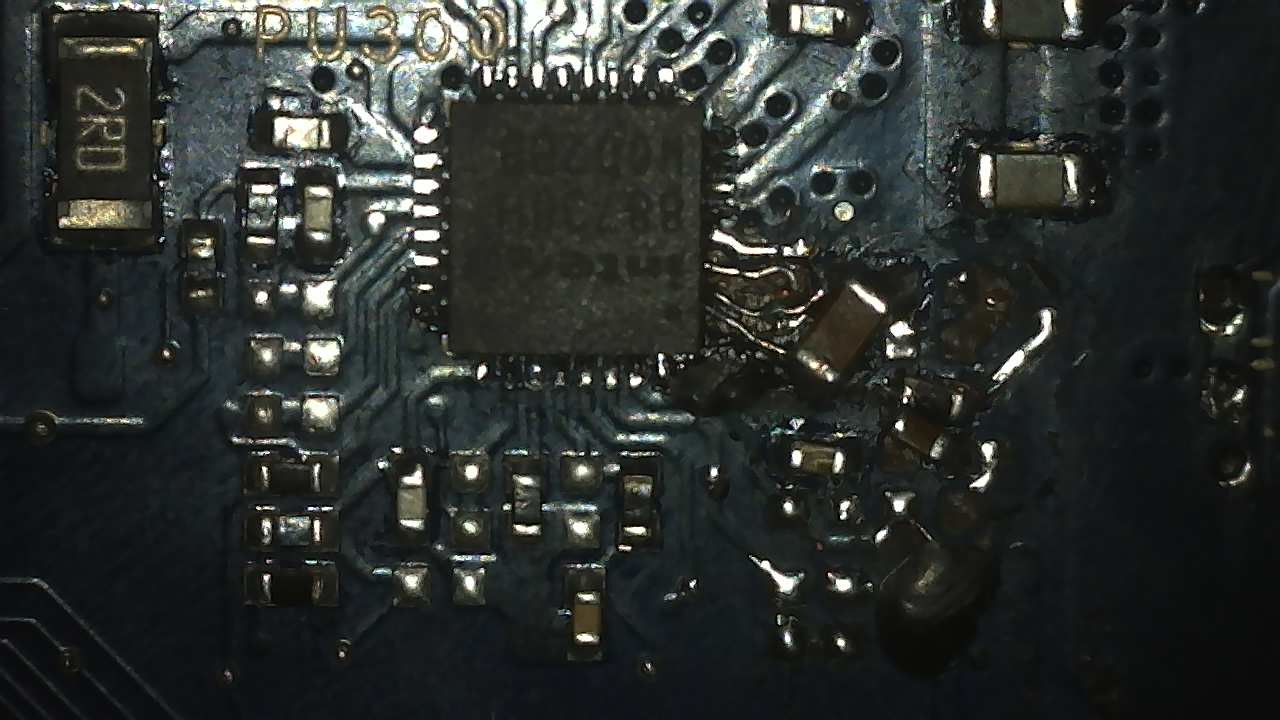
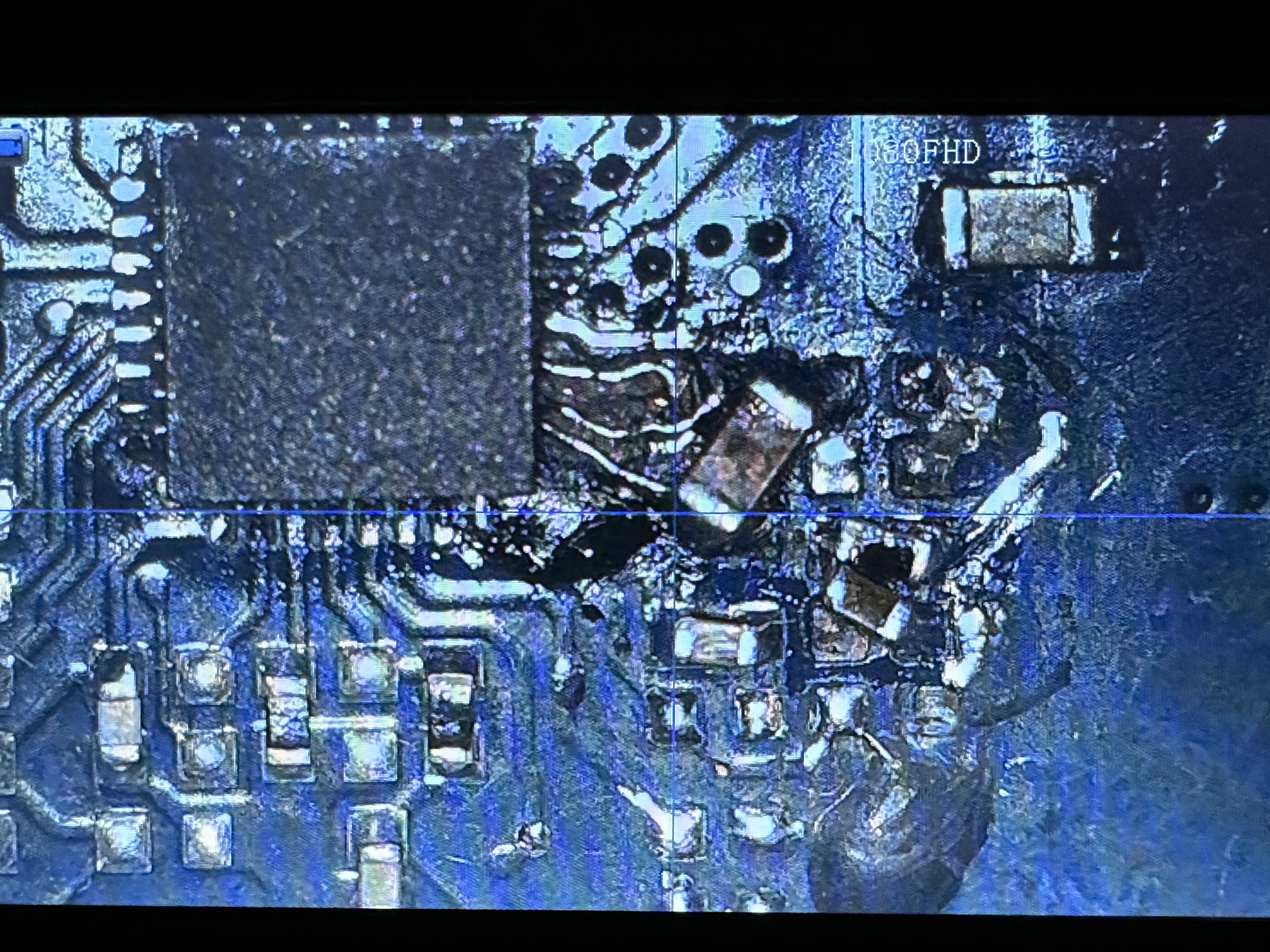
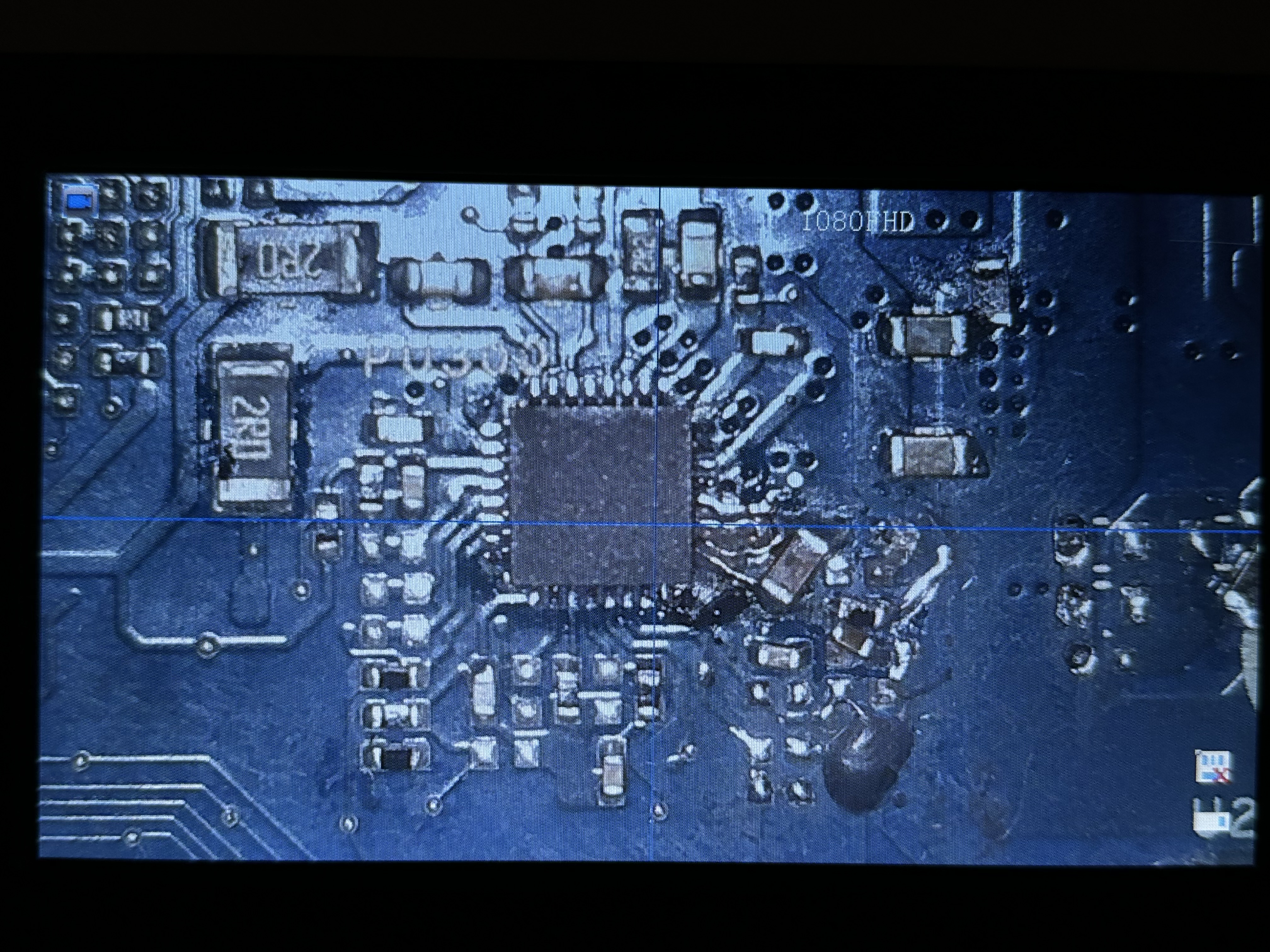
Sorry, but your pictures are now blurry.
For optimal picture quality, you need to set the external light source at an appropriate angle and set an optimal light intensity.
It sometimes help, if you flood the charger chip area with IPA and take a picture of flooded area.
By the way, if you save the pictures from the microscope directly to the SD card or computer, you got a better quality than if you take a picture of the microscope LCD screen.
For optimal picture quality, you need to set the external light source at an appropriate angle and set an optimal light intensity.
It sometimes help, if you flood the charger chip area with IPA and take a picture of flooded area.
By the way, if you save the pictures from the microscope directly to the SD card or computer, you got a better quality than if you take a picture of the microscope LCD screen.
 I dont have any better camera, i can make a photo from my smartphone, but the smaller components wont be much more visible. Maybe these are better:)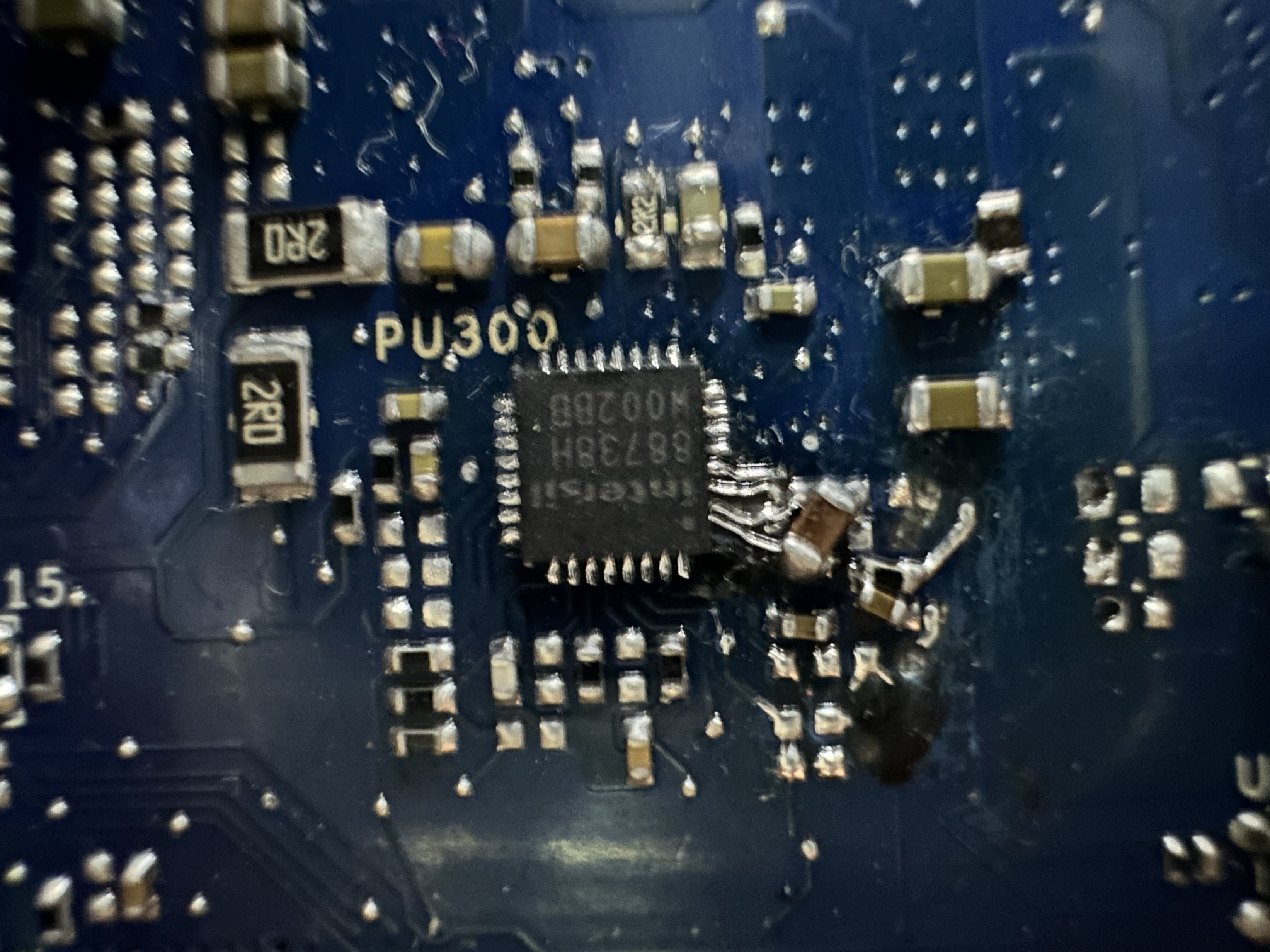
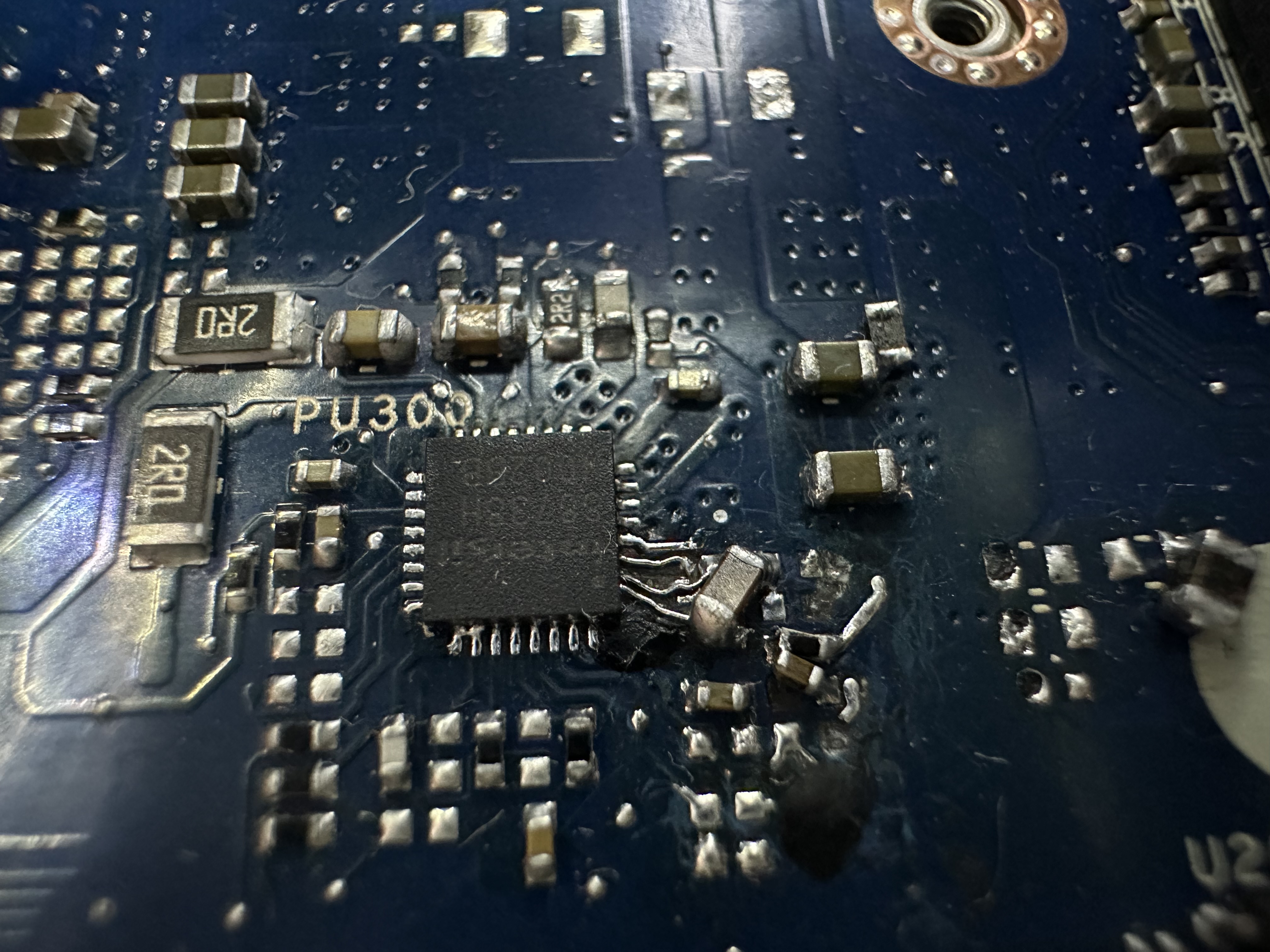
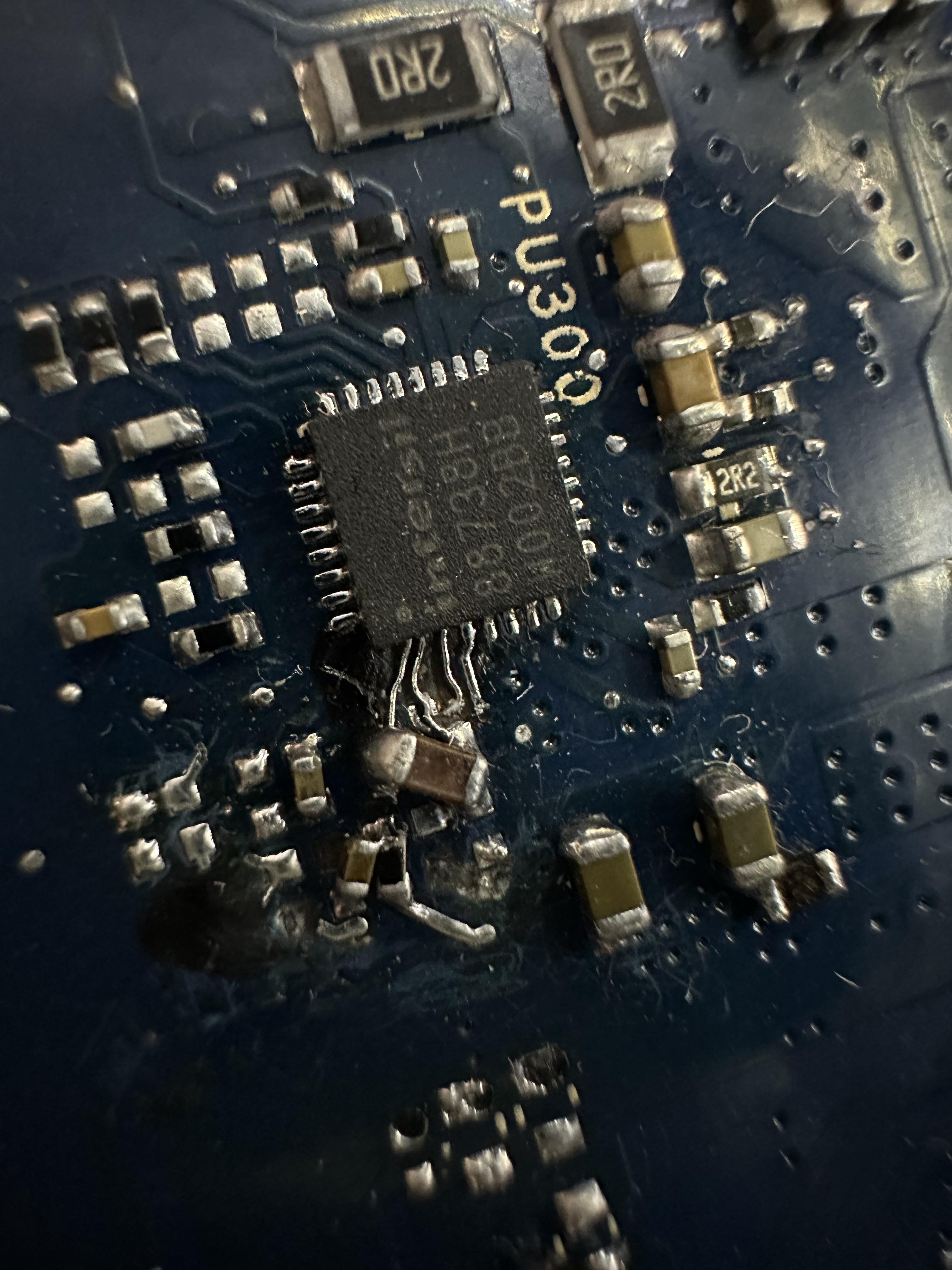
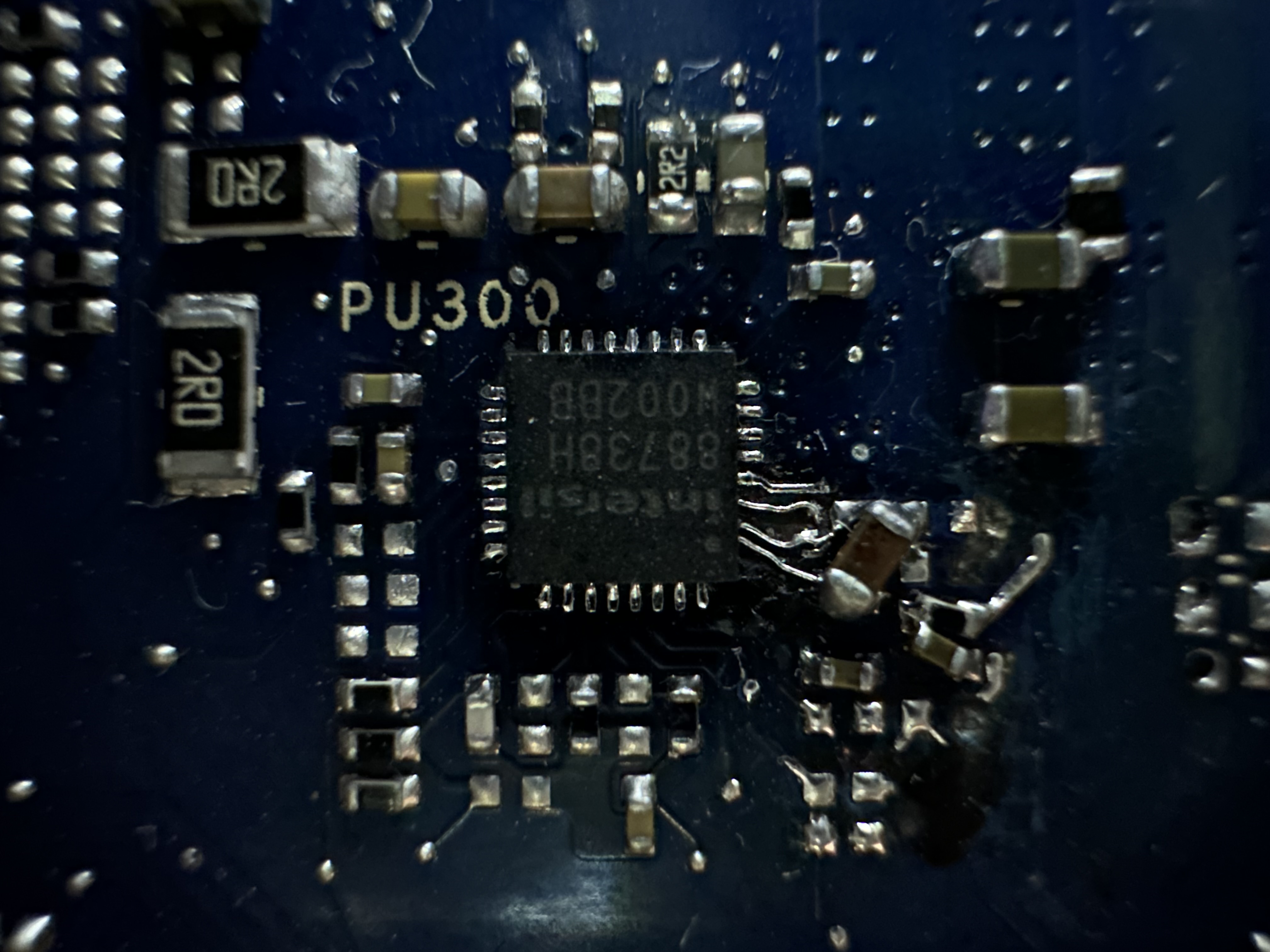
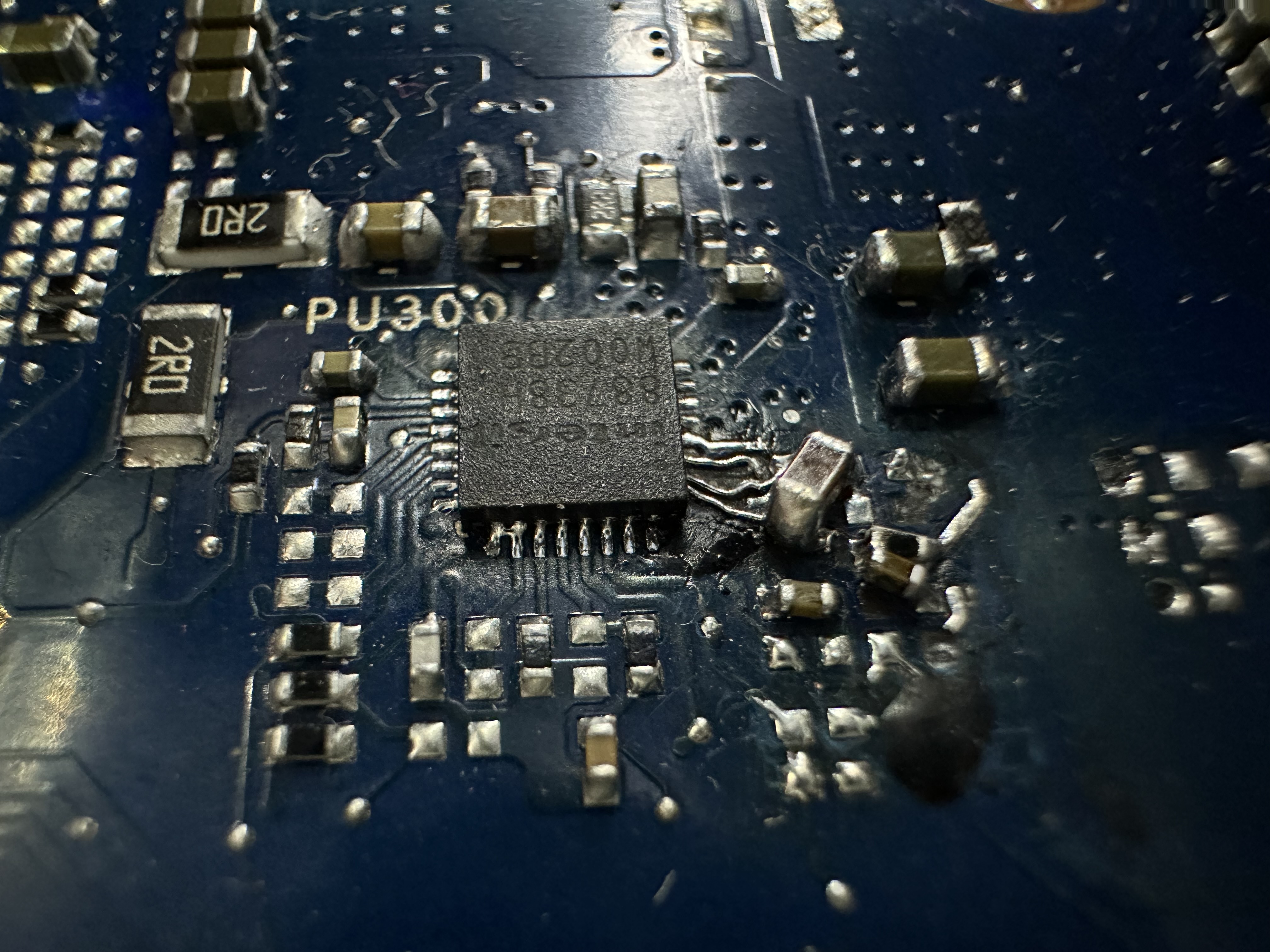
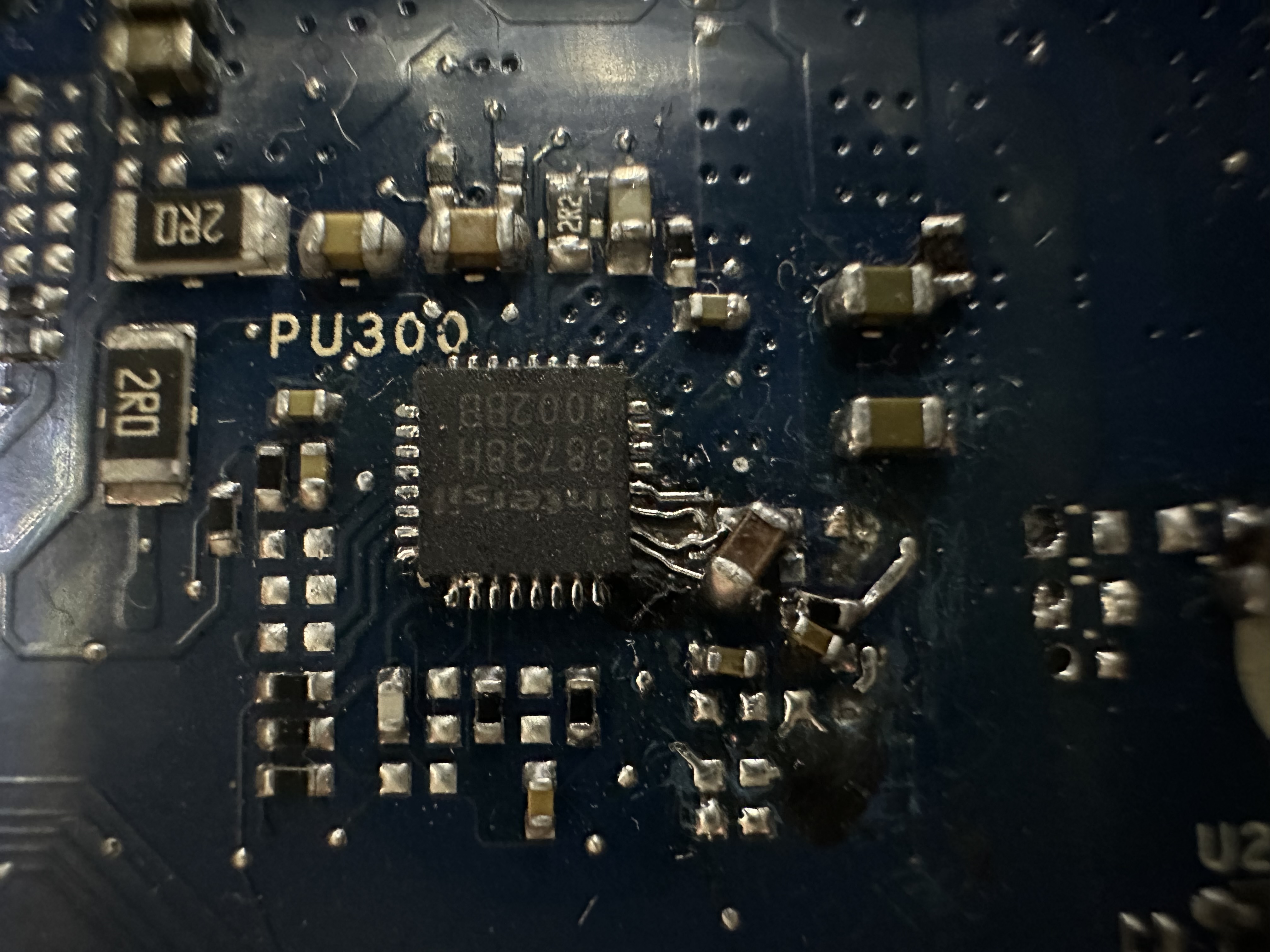
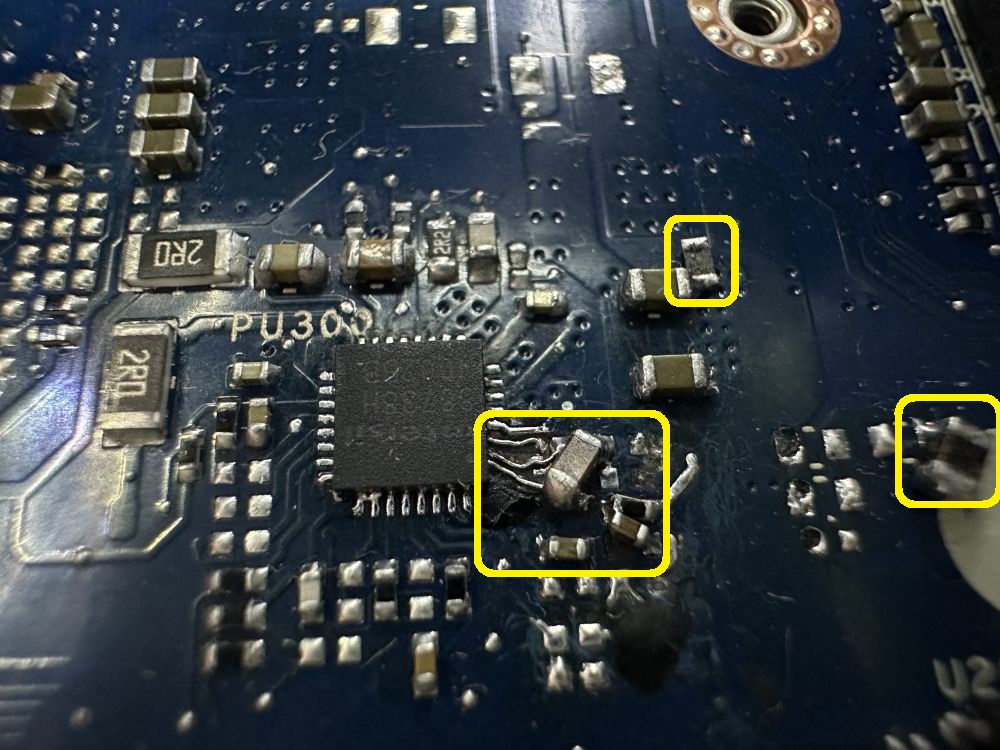
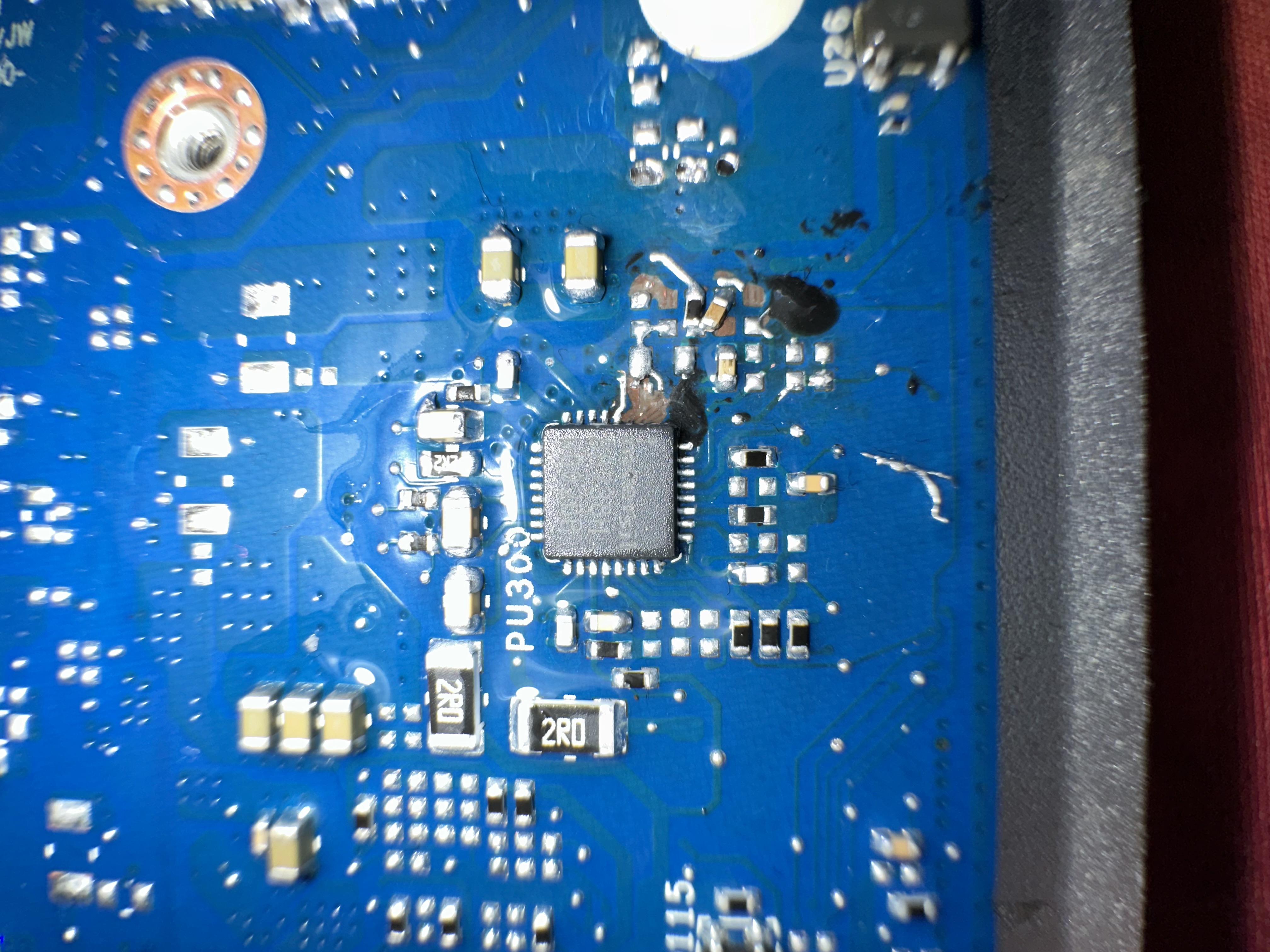
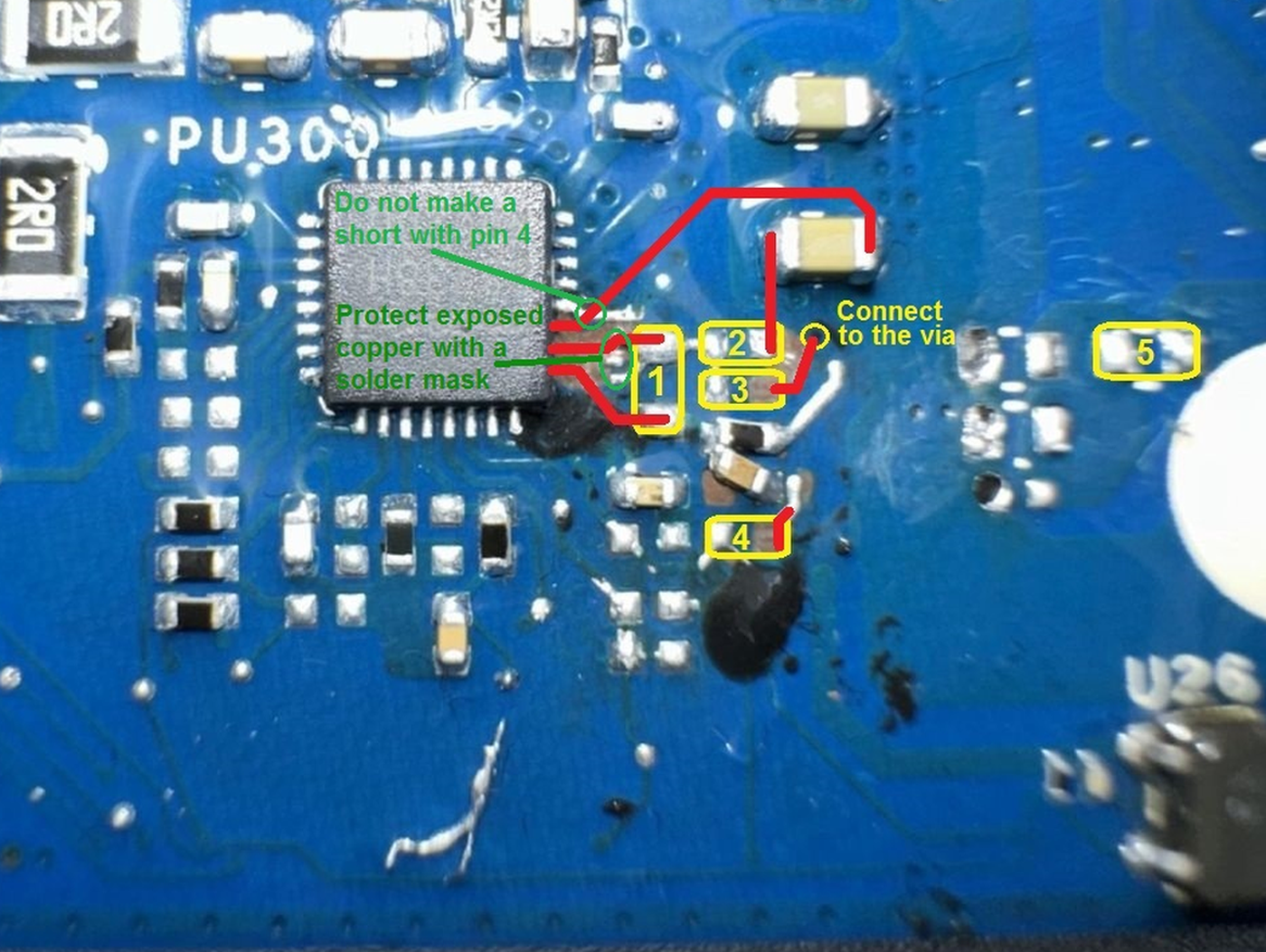
Solder 5 missing components (marked yellow) and connect them with a jump wires (marked red) as shown in the following picture.
1= Capacitor PC346= 4.7µF/25V, package 0603
2= Capacitor PC345= 1µF/25V, package 0402
3= Resistor PR323= 2.2Ω/1%, package 0402 (you can also use a 5% resistor)
4= Resistor PR330= 100Ω/1%, package 0402 (you can also use a 5% resistor)
5= Capacitor PC322= 10µF/25V, package 0603
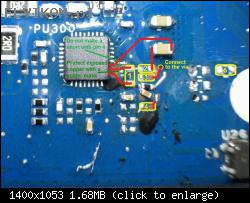
1= Capacitor PC346= 4.7µF/25V, package 0603
2= Capacitor PC345= 1µF/25V, package 0402
3= Resistor PR323= 2.2Ω/1%, package 0402 (you can also use a 5% resistor)
4= Resistor PR330= 100Ω/1%, package 0402 (you can also use a 5% resistor)
5= Capacitor PC322= 10µF/25V, package 0603
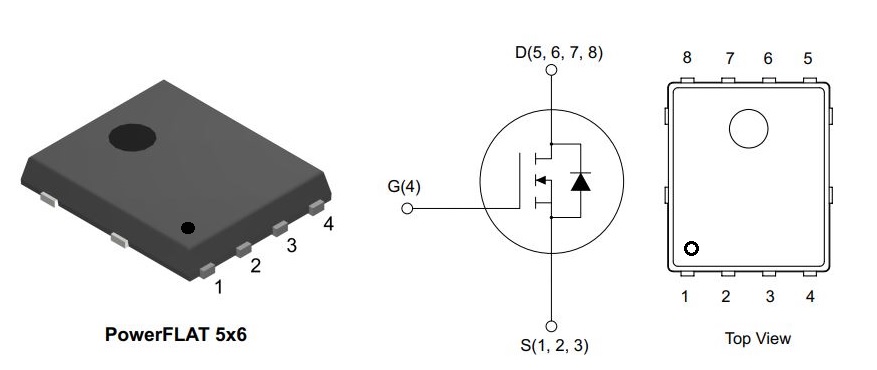
Sorry for such a long time without reply - had to wait for component delivery from china.. After replacing PU300 IC, soldering missing components You marked before laptop starts after plugging in AC adapter, but shuts off after few seconds and pressing power does not turn it on again. I hear a lot of noise from Charger IC (PU300). What should i check? 19.5V, 1.0V IOP, 1.0V DRAM, 3.3ALW, 5V are present. CPU and RAM chips are heating up when laptop try to start. After holding power button for 30 seconds the lights under touchpad are fast blinking 3 times then laptop shuts off. Every time when AC adapter is connected laptop tries to turn on. Every time power on LED light is present charger makes noise. Any ideas? Thanks 
Re: Dell XPS 13 9370 CAZ60 LA-E671P zalany, brak ładowania
Google Adsense [BOT] • 30 Серпня 2023, 17:10
Ця тема позначена як АРХІВНИЙ. Відповідайте лише в тому випадку, якщо ваша відповідь містить рішення проблеми (Правила Форуму, п. 12.1).
Хто зараз онлайн
Зараз переглядають цей форум: Немає зареєстрованих користувачів і 7 гостей
_______________________________Всі права захищені. Заборонено копіювати будь-який вміст та елементи веб-сайту без дозволу.
Усі торгові марки, назви брендів, продукти чи послуги, опубліковані на цьому веб-сайті, належать їхнім законним власникам і використовувались лише в інформаційних цілях.